Your telemetry, your video, automatically.
Paddock Pixel is a desktop app that syncs your data to your footage automatically and renders it into the frame.
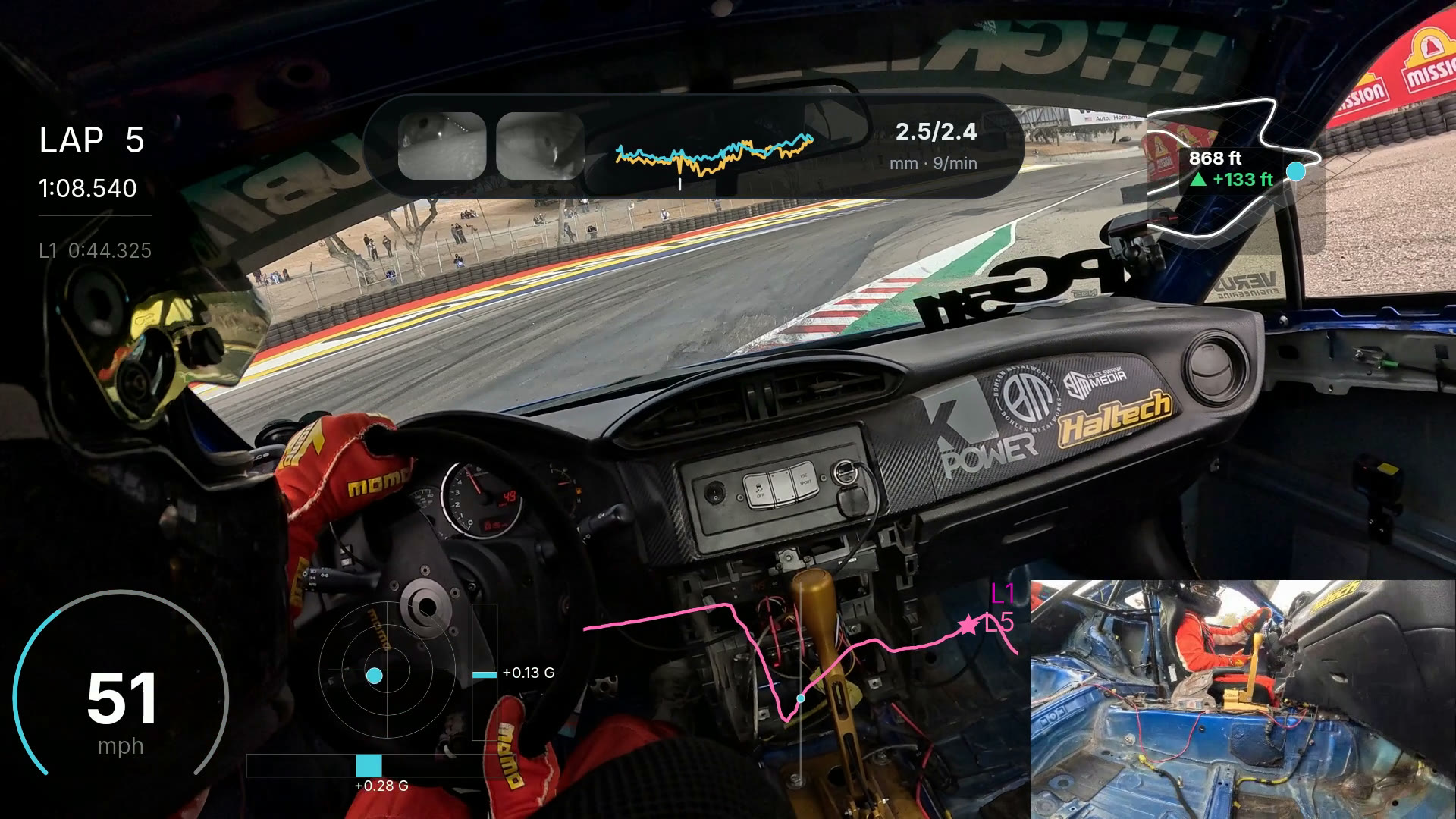
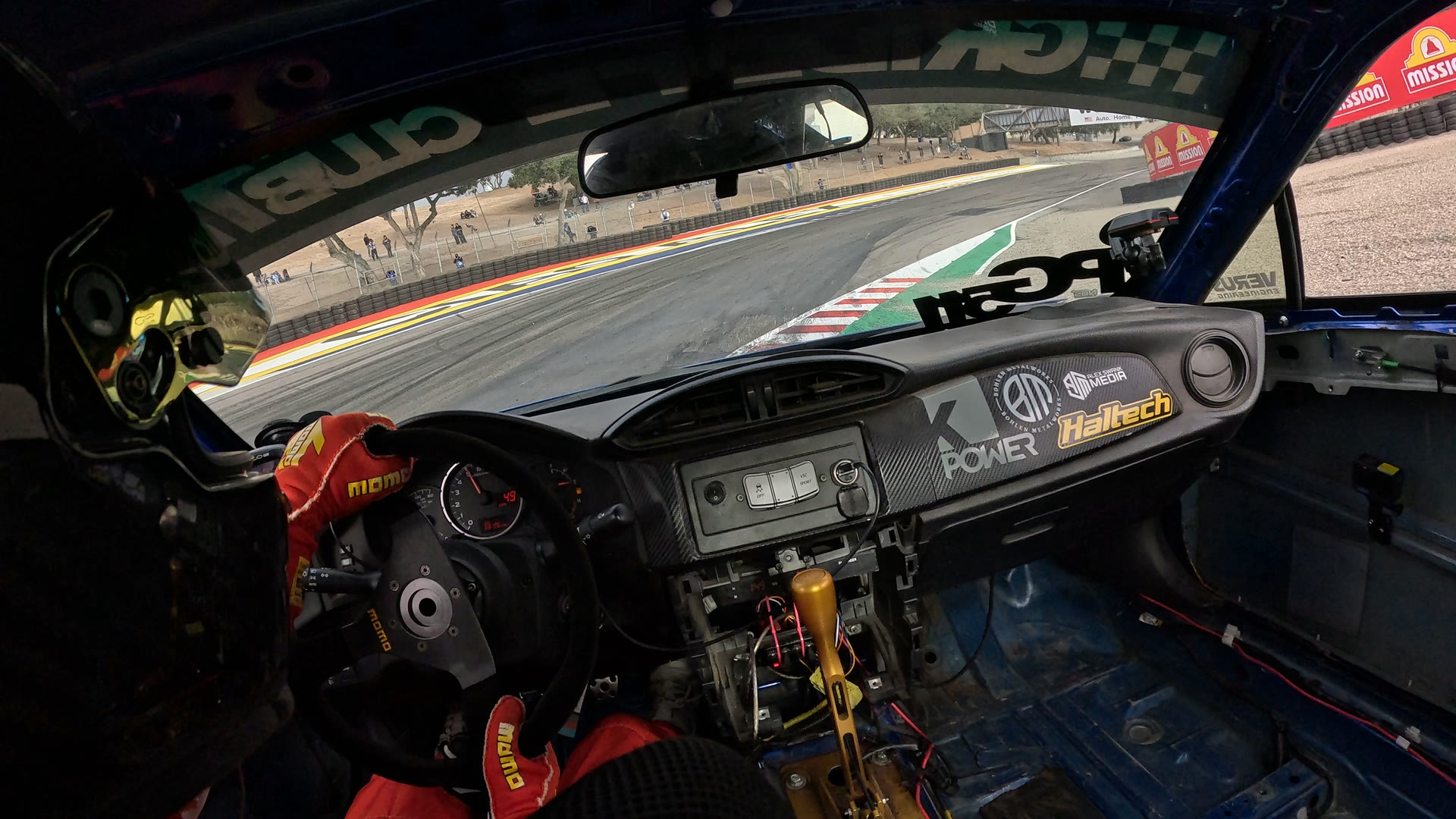
One frame, before and after.
Laguna Seca, dropping into the Corkscrew. Drag the line to see what Paddock Pixel put on it: speed, G forces, lap delta, elevation, the pedal cam, even your eyes.
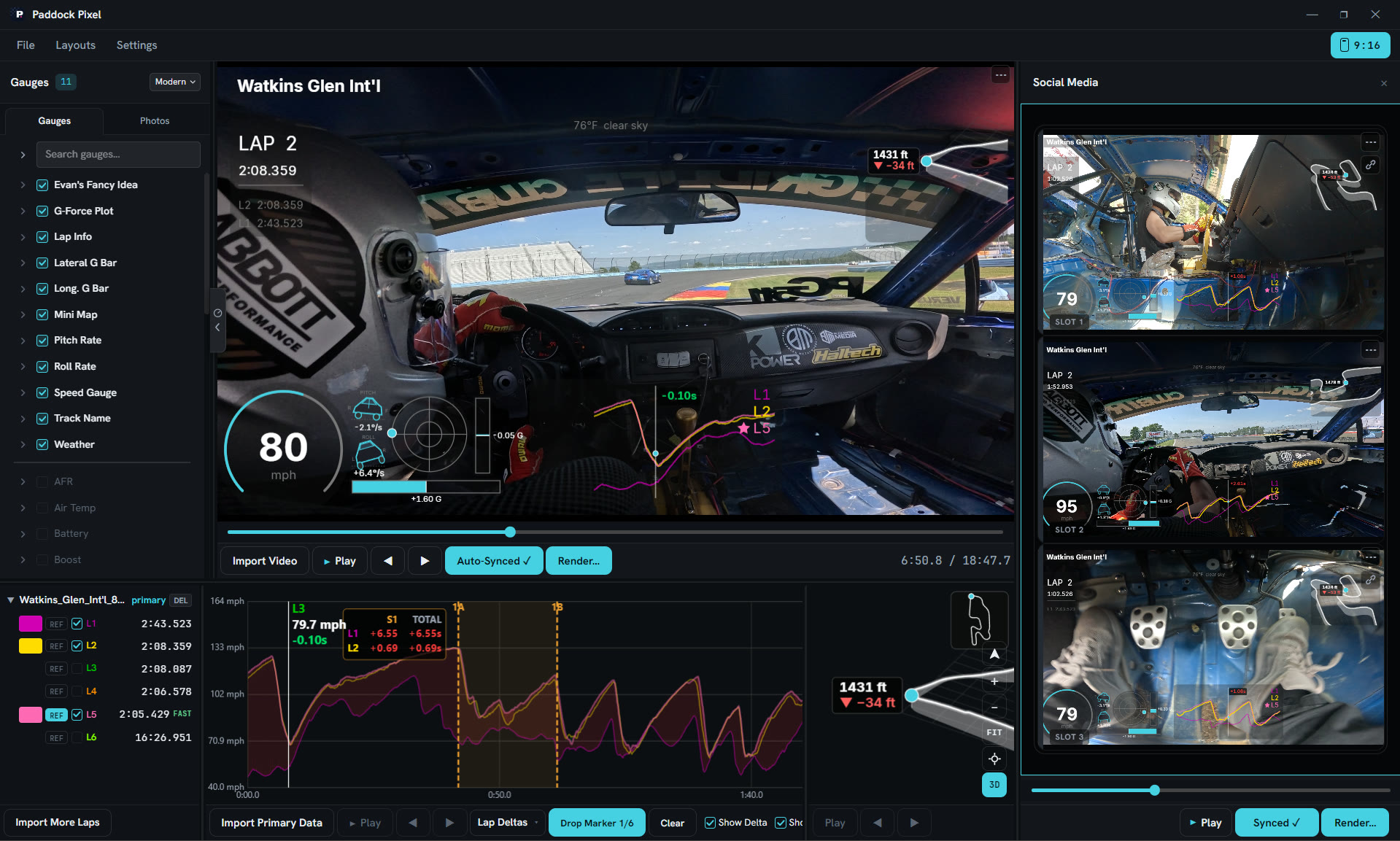
Everything in one window.
Import the footage and the session, check the sync, pick your gauges, render it in 16:9 or 9:16.
Finished video, straight out.
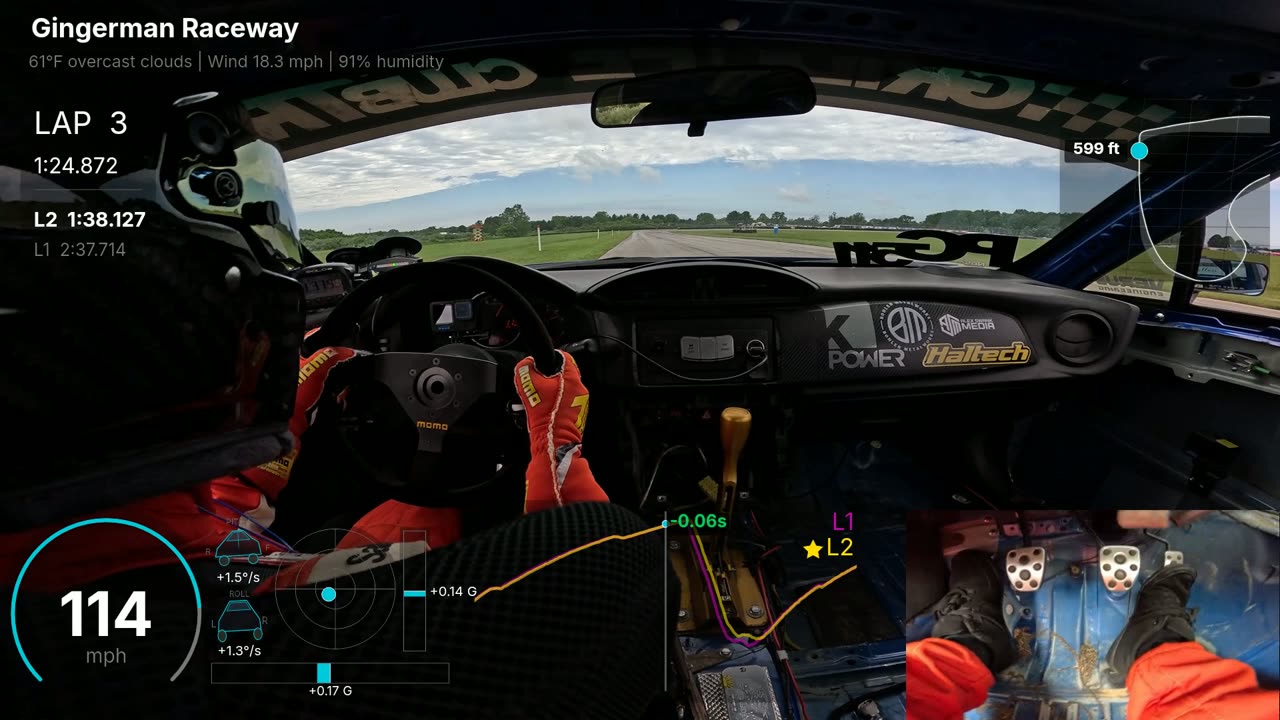
Overlays burned in. Nothing to edit after.
The vertical cut, with the overlays laid out for a phone screen.
Compare: you vs. your friends.
Compare your footage to your friends’, sync the two together, and render the battle to post to social media.
Get launch news.
Be the first to know when Paddock Pixel releases.
Your email is the only thing we collect, and launch news is the only thing we send. The rulebook.
Built by a podium finisher who cares about content.